Event check-in that keeps the queue moving: a practical guide to QR check-in
How to plan event check-in that keeps the queue moving: personal QR invites, desk set-up, clear scan results, and what to do with walk-ins.
 The Fizvizz team
· 4 min read
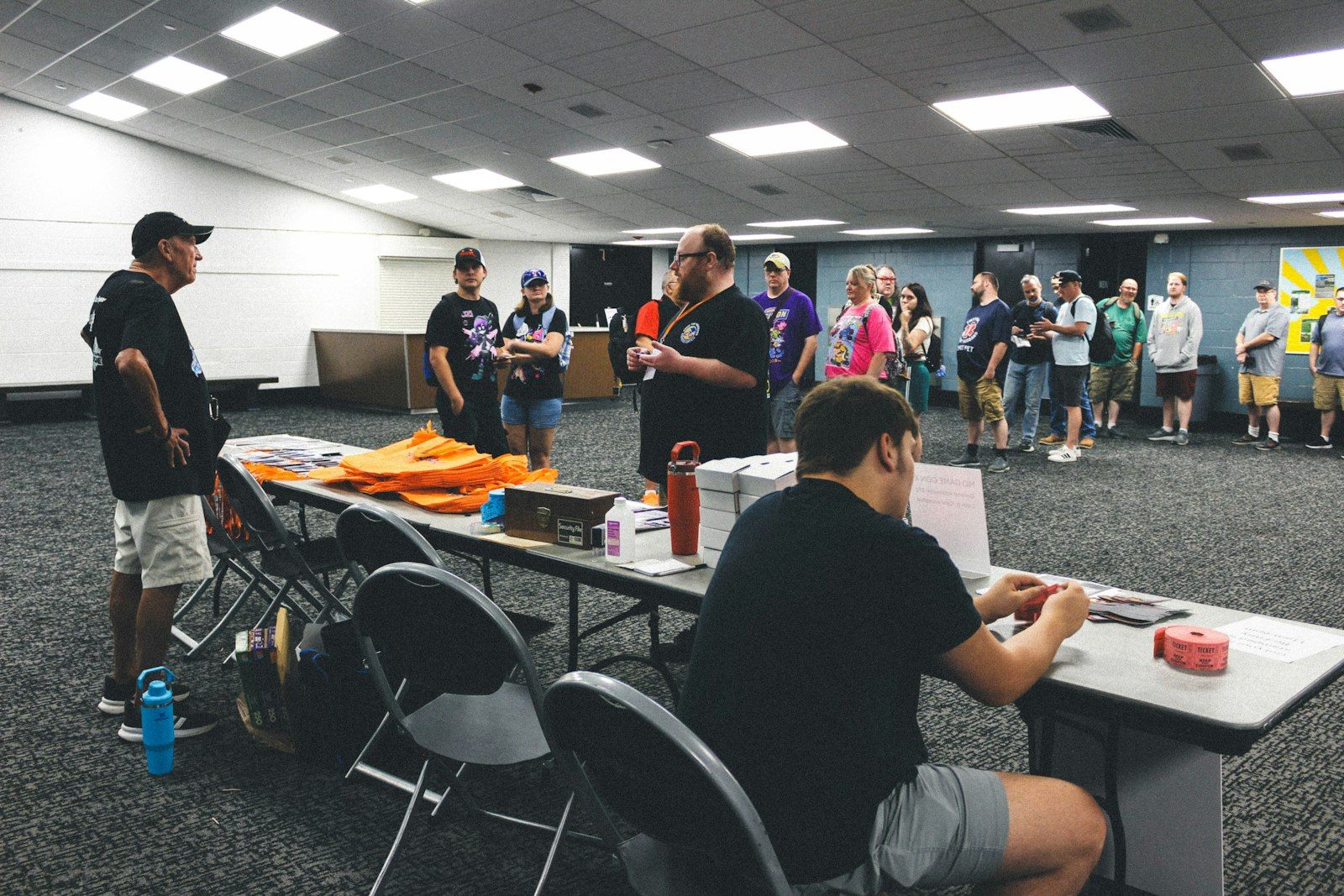
The first ten minutes of an event happen at the door. A guest who waits twenty minutes in a slow queue walks in irritated. One who is through in seconds walks in ready to meet people. Check-in is not glamorous, but it sets the tone for everything after it.
The good news is that a fast door is mostly planning. Here is how to get there, from the guest list to the last late arrival.
Before the day: one clean guest list
Most check-in problems start weeks earlier, in the guest list.
- Keep one list. Registrations, speaker guests, sponsors and staff often live in different spreadsheets. Merge them early, so the desk never has to ask "which list are you on?".
- Clean it. Remove duplicates and fix obvious typos in names and email addresses. A guest invited twice gets two codes and a confused welcome.
- Decide what counts as "on the list". Plus-ones, colleagues sent in someone's place, walk-ins: agree on the rule now, not at the desk with a queue behind you.
Send every guest their own QR
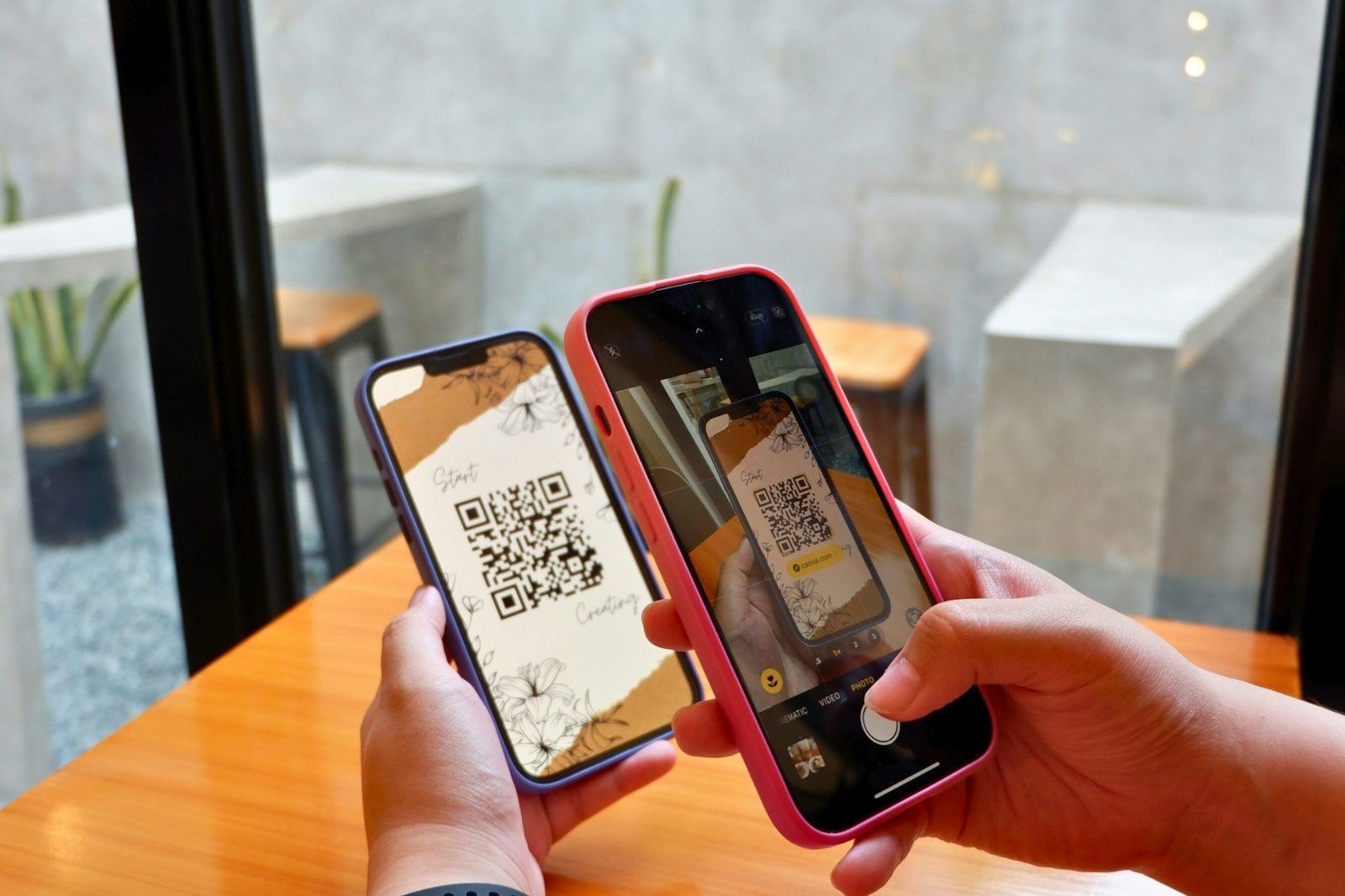
A personal QR code turns check-in into a one-second scan. Send it in the invitation email, so it's already on the guest's phone when they arrive.
Two details matter:
- It should work without an app. Many guests won't install anything before an event. A QR in the email that they can show at the desk is enough.
- It shouldn't be copyable. A code that stays the same can be screenshotted and shared. A signed code that refreshes every few seconds can't be reused by someone else.
A day or two before the event, send a short note reminding people where their code is. It saves a lot of inbox-searching at the door.
Set up the desk for your peak, not your average
Arrivals are never even. Most guests come in the half hour around the start time, so plan for that rush.
- Scanning points: have enough people scanning that the peak doesn't back up into the street. Every organiser, moderator or volunteer with the app on their phone can scan, so adding a point is just adding a person.
- One queue per scanner, clearly marked, so people don't drift between lines.
- A help lane, away from the main queue, for the guest who isn't on the list, used a different email, or can't find their code. One slow case shouldn't stop twenty fast ones.
- Signs at eye level with one instruction: "Have your QR ready."
Do a dry run before the doors open. Scan a few test codes, check the results the desk sees, and make sure everyone knows what to do with each one.
Make the scan result impossible to misread
A scanner should know in a glance what to do next. Three results cover almost every case:
- Checked in: welcome them in.
- Already checked in: with the time and who scanned them, so the desk can tell a guest who stepped out for a call from a shared code.
- Not on the attendee list: send them to the help lane.
Anything vaguer than that turns into a conversation, and conversations are what make queues.
Walk-ins and late registrations
Some people will arrive without an invitation: a colleague who joined last minute, someone who heard about it that morning. Give them a quick, controlled way in:
- Put up a join QR or link at the help lane, so they can ask to join on the spot.
- Accept or decline the request in the app from the desk, and scan them in.
If your join QR refreshes itself, an old photo of it shared in a group chat stops working, which keeps the door in your hands.
After the door: keep the count, and the people
Once the rush is over, the check-in data is useful in two ways.
First, the live count tells you how many people are actually in the room, which is what catering, seating and fire marshals care about.
Second, check-in is the start of the relationship, not the end of the admin. The people who walked through your door are the ones worth staying in touch with. Keeping the event's group open afterwards gives them a place to carry on, which we cover in how to keep your event community alive.
A quick checklist
- One merged, de-duplicated guest list
- A personal QR in every invitation email, that works without the app
- A reminder a day or two before
- Enough scanning points for the busiest half hour
- A separate help lane, with a join QR for walk-ins
- A dry run with test codes before doors open
- Clear scan results the whole desk understands
How Fizvizz helps
Fizvizz was built for this door. You can invite people one at a time or from a spreadsheet, and choose to put a personal check-in QR in each email, so guests who aren't on Fizvizz yet can still check in. Attendees in the app show a signed code that refreshes every 15 seconds, so a screenshot of someone else's code doesn't work.
At the desk, organisers and moderators scan with their phones and see "Checked in", "Already checked in" with the time and who scanned them, or "Not on the attendee list", with a live count. A guest without their code is found by name or email and checked in with a tap. Or set a phone or tablet at the entrance as a self check-in kiosk: guests hold up their code, or type the email they were invited with, and are welcomed by name. Join links and join QR codes handle walk-ins, and join requests are accepted or declined in the app.
See Fizvizz for organisers, or book a meeting to walk through check-in for your own event.