How to run a meetup community: from the first meetup to city chapters
A guide to running a meetup community: one home for members, a steady rhythm of meetups, check-in at the door, and chapters as you grow.
 The Fizvizz team
· 3 min read
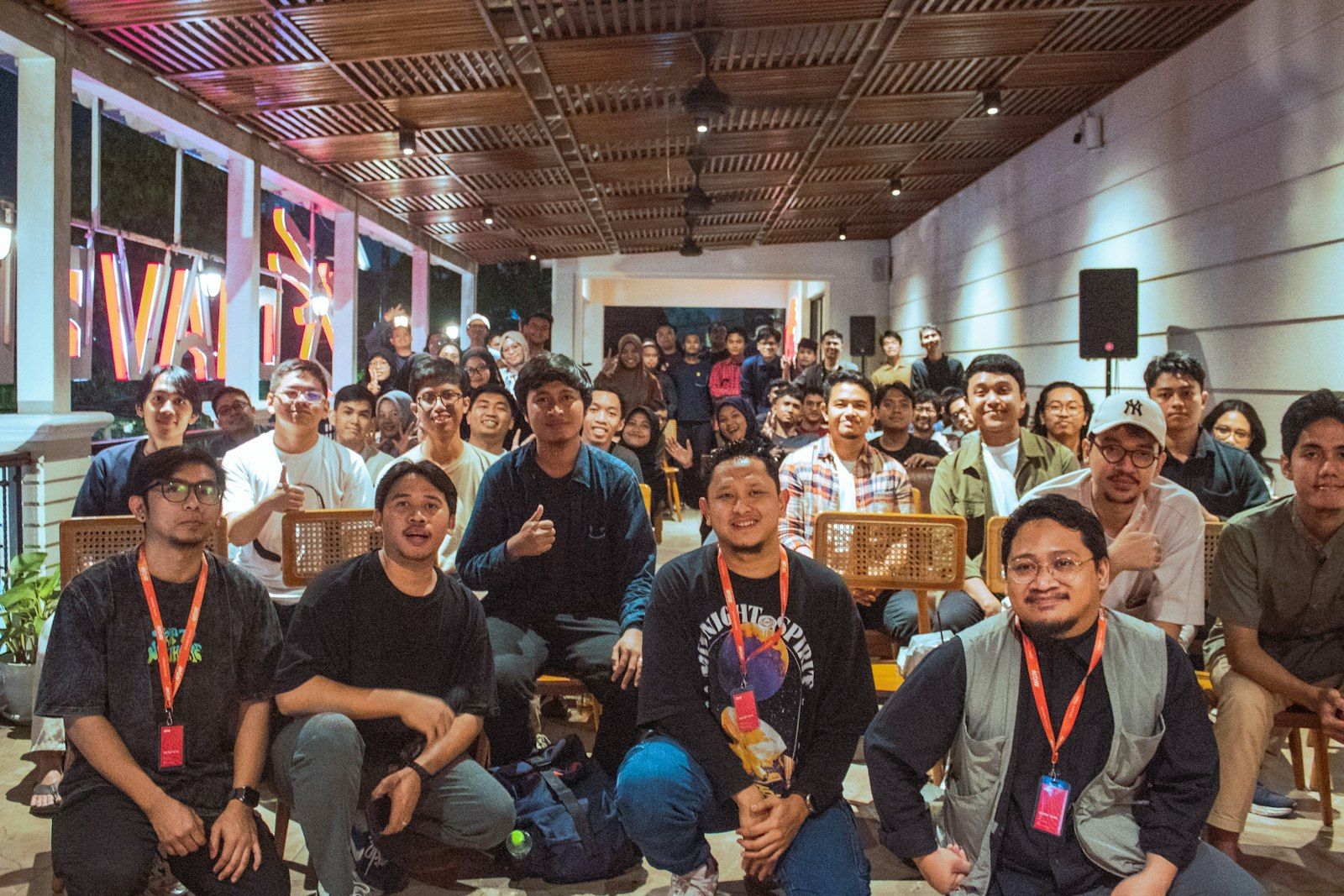
Every lasting community started as a meetup with a handful of people in a borrowed room. What separates the ones that last from the ones that fade isn't the size of the first meetup. It's what happens between meetups.
This guide covers running a meetup community well: one home for your members, a steady rhythm, a smooth door, and a structure that can grow into chapters.
Give your members one home
The first mistake most meetups make is scattering. Announcements go out by email, chat happens in a messaging group, photos on social media, and the member list lives in somebody's spreadsheet.
Pick one home where members post, ask questions and find the next meetup. It doesn't need to be fancy. It needs to be the one place everyone knows to look.
Make joining easy, and still yours
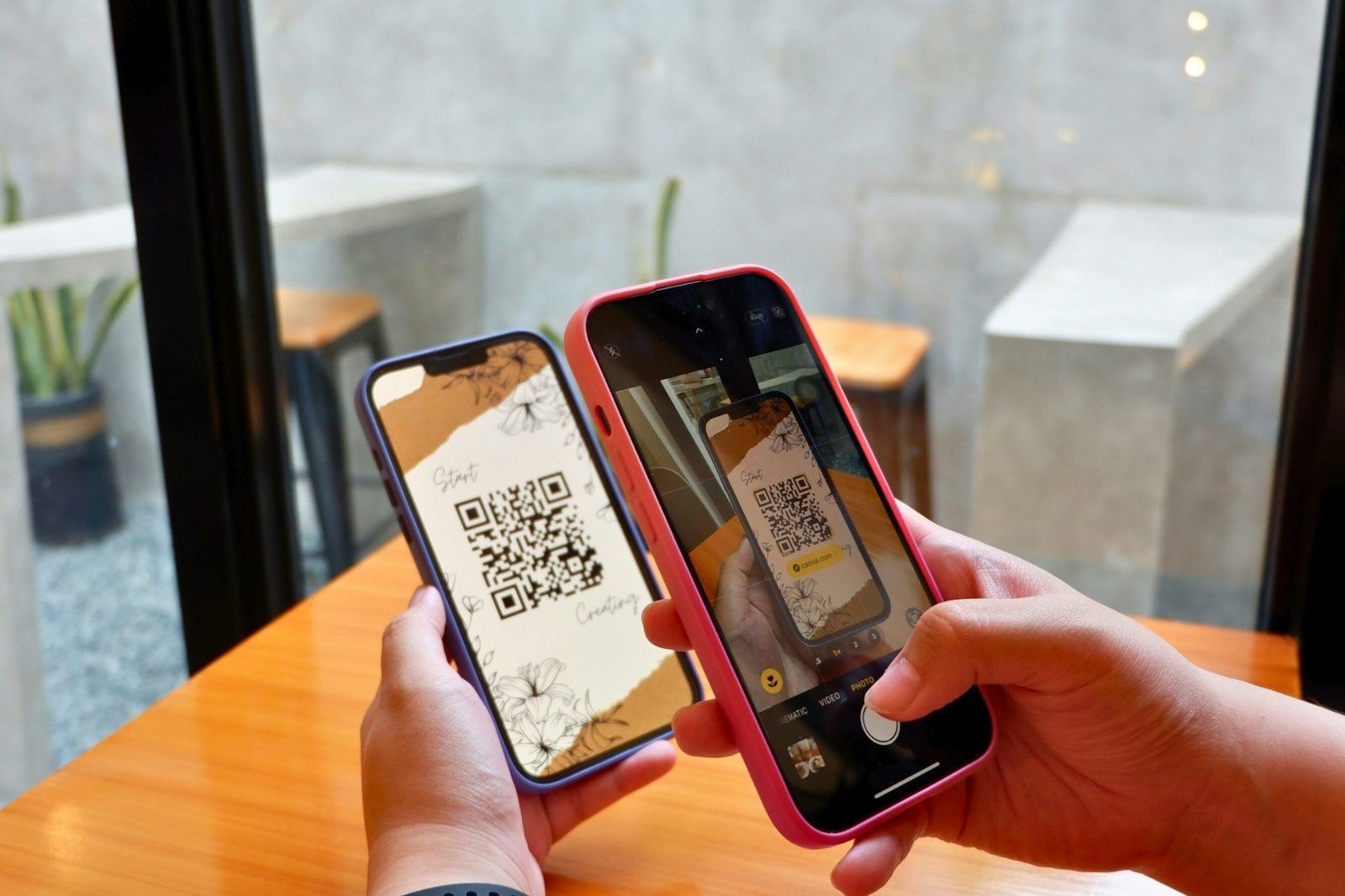
- Share a join link or QR at every meetup, on slides and posters, so newcomers can join on the spot.
- Use join requests if you want to see who's joining before they're in.
- Ask new members a couple of questions, such as what they do and what they're looking for. It helps you plan topics, and it helps members find each other.
Set a rhythm, and keep it
Consistency beats size. A meetup on the first Thursday of every month is easier to remember, and to come back to, than a big event whenever someone gets round to it.
- Pick a regular slot and stick to it.
- Announce the next meetup at the end of the current one.
- Keep the format familiar: arrivals, a short talk or two, then time to talk. People come back for the conversations.
Run each meetup from your community
Create each meetup inside your community's home, so members see it where they already are, rather than in a separate invite they might miss. Each meetup can then have its own guest list and check-in, while the conversation stays in one place.
A friendly, fast door
Even at a small meetup, the door is the first impression.
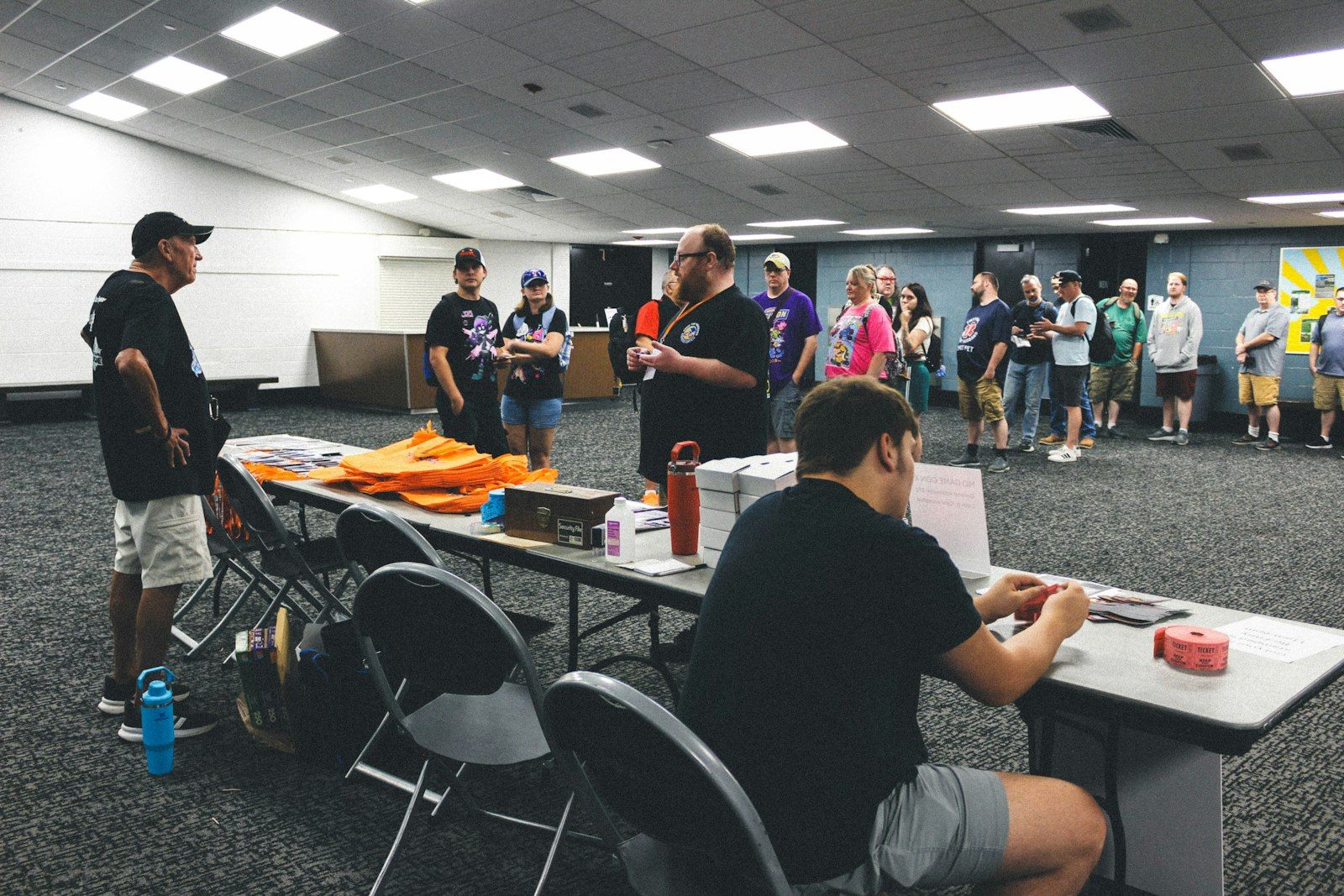
- Check people in with a QR at the door, so you know who came. It's also how you learn who your regulars are.
- Have one person greet newcomers, and introduce them to a regular. A first-timer who meets two people comes back.
For more on the door, see our event check-in guide.
Keep members talking between meetups
The time between meetups is where a community becomes a community.
- Posts and polls: ask what members want next, share what came up at the last meetup.
- A "looking for" habit: encourage members to ask the group for help, such as a co-founder, a tool, an introduction. Members helping members is the strongest glue there is.
- Thank-yous: let members thank the speaker or the person who helped them. It sets the tone.
Build a team before you need one
Running everything yourself works for a while, then it doesn't.
- Give roles to the regulars who already help: co-organisers and moderators, each with the right powers.
- Keep a private space for the organising team, for planning that doesn't need the whole community, like venues, budgets and speaker shortlists.
- Review posts while the community is new, if you're worried about spam.
Grow into chapters
When members start coming from other cities, or the group splits naturally by interest, it's time for chapters.
- Give each chapter its own group, with its own meetups and organisers.
- Keep them under one community, so members can see the other chapters and join the ones they want.
- Share what works between chapter organisers. The organising team's private space is a good place for it.
A community of chapters keeps the feeling of a small meetup while growing much bigger than one room.
How Fizvizz helps
Fizvizz gives your community one group where members post, run polls and ask each other for help with Looking For. Share a join link or a join QR that refreshes itself, accept or decline join requests, and ask new members for the details your community needs.
Create each meetup from inside your group: it's posted to the group's feed for members to see, has its own QR check-in, with members found by name at the desk or checking themselves in at a kiosk, and can stay open after it ends. Bring chapters or city groups together under one community, where members see the community's groups and join the ones they want. Keep a hidden group for your organising team that only the community's admins see. Roles for admins, organisers and moderators, and post review, keep it in your hands.