The expo organiser's checklist: exhibitors, booths and visitors, step by step
A practical checklist for expo and trade fair organisers: exhibitor onboarding, booth numbers, gate check-in, booth visits and what exhibitors need after.
 The Fizvizz team
· 3 min read
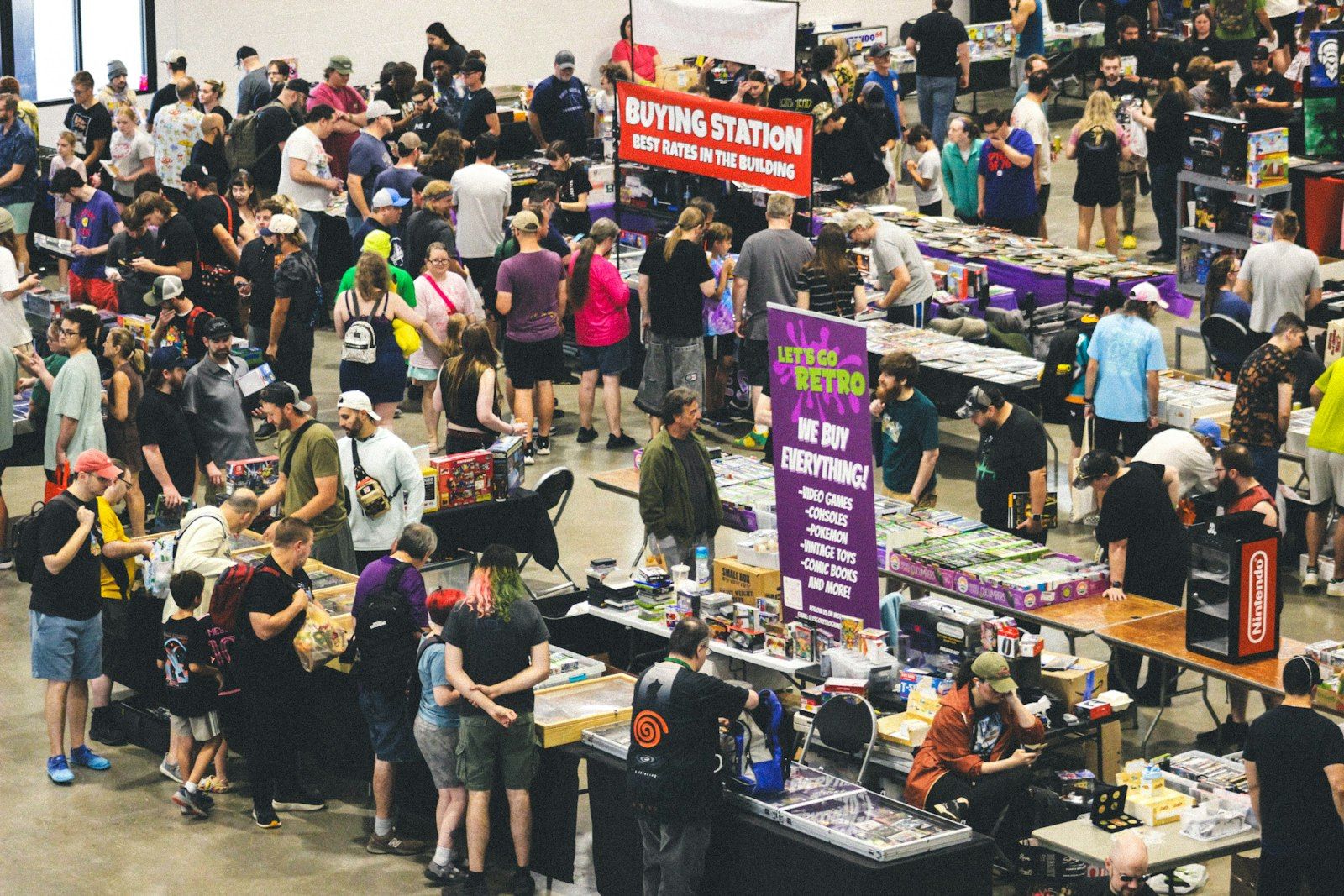
An expo is three events at once. There is the event for visitors, who want to find the right stands quickly. There is the event for exhibitors, who paid for a booth and want to meet the right visitors. And there is the event you run, with the gate, the floor and everything in between.
This checklist walks through all three, from eight weeks out to the week after.
Eight weeks out: exhibitors and booths
- Lock the exhibitor list in one place: company name, booth number, and a main contact email.
- Number booths so visitors can navigate. A hall letter plus a number ("A14") is easier to find than a long running number.
- Keep the list in a spreadsheet you can import, rather than retyping it into a system. Every retyped booth number is a chance for a typo.
- Confirm what each exhibitor gets: stand size, power, how many team members can attend, and how visits will be recorded.
Four weeks out: get exhibitor teams ready
Exhibitors are a team, not one person. The salesperson who books the stand is rarely the only one working it.
- Give each company a way to bring its own team in, such as a passcode the team uses to join the company.
- Ask exhibitors to complete their page: about, links, brochure and team. A complete page is what visitors browse before they walk the floor.
- Brief exhibitors on the day: when the gate opens, how booth visits are recorded, and who to call with a problem.
One week out: visitors and print
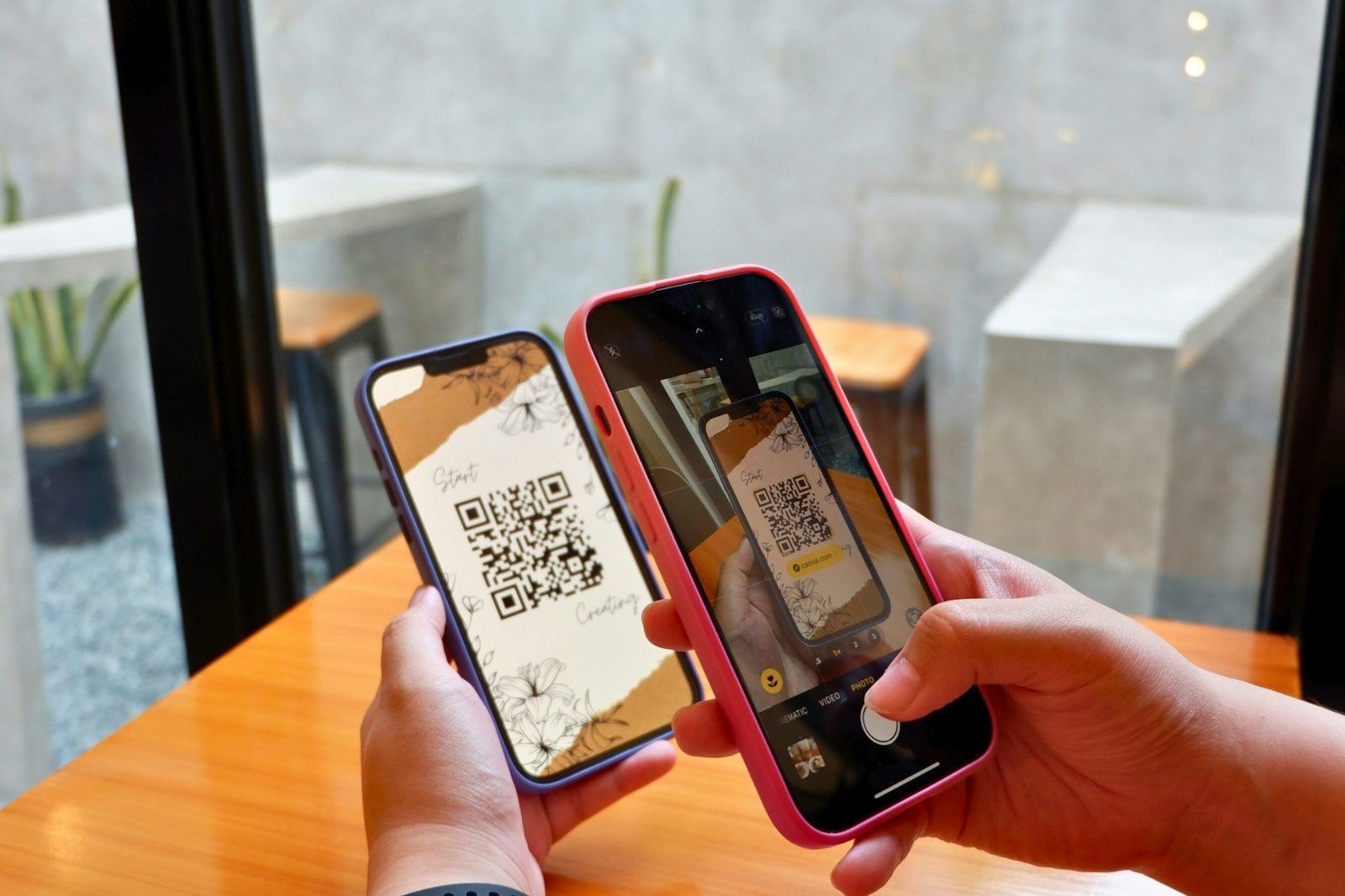
- Send visitors their invitation with a personal QR, so the gate is a quick scan. Our check-in guide covers this in detail.
- Print the event QR for posters at the entrance and around the venue, for visitors who arrive without an invitation.
- Print a booth QR for every stand, so visitors can record a visit with one scan.
- Do a dry run of the gate with test codes and the team who'll be scanning.
On the day: the gate and the floor
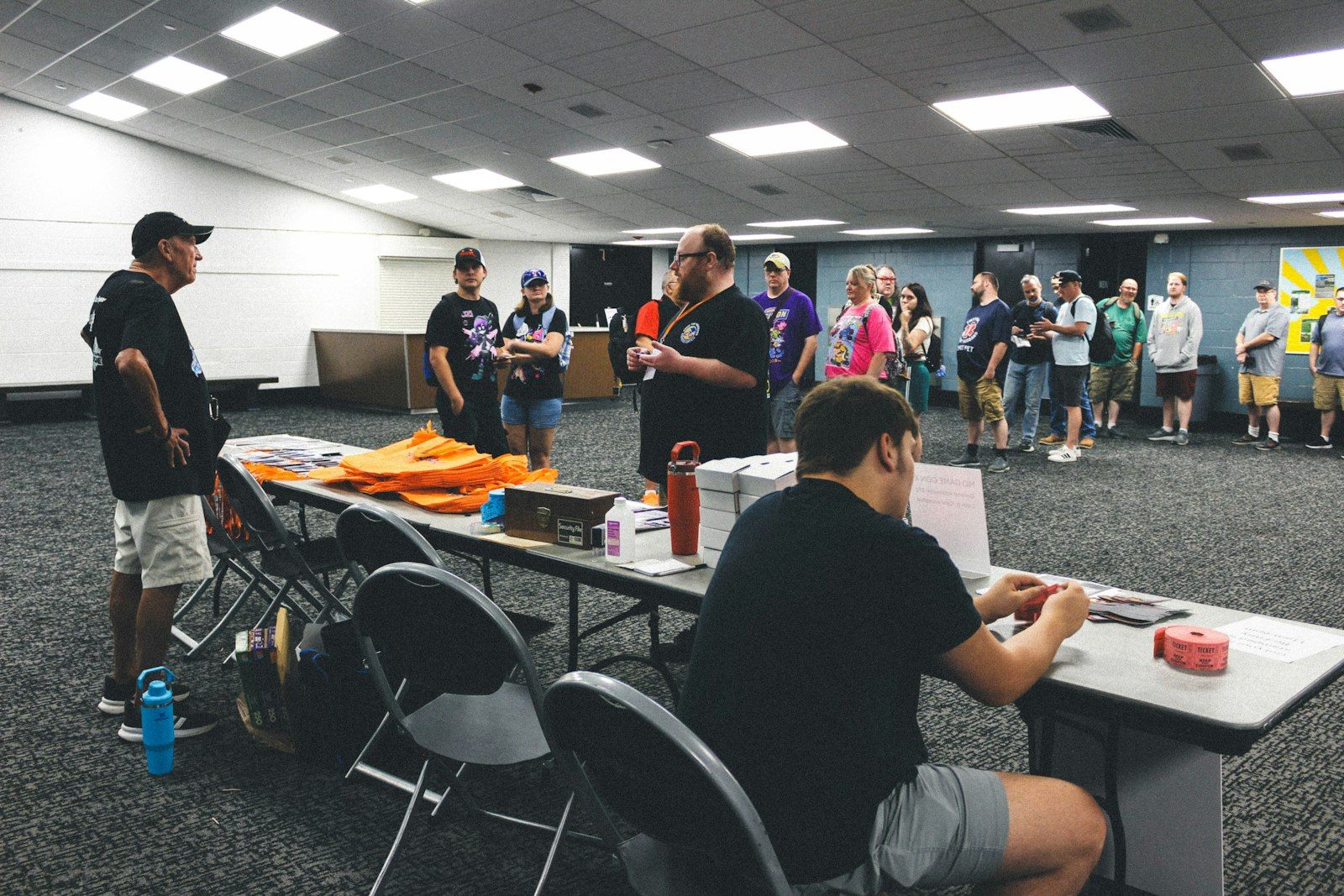
- Gate: enough scanners for the opening rush, one queue per scanner, and a help lane for anyone not on the list.
- Floor: make sure visitors can search the exhibitor list on their phones and see booth numbers, so they spend less time lost and more time at stands.
- Booth visits: encourage visitors to scan the booth QR at each stand. A visit recorded for the exhibitor is far more useful than a business card in a bowl.
- Walk the floor yourself twice a day. Exhibitors remember the organiser who checked in on them.
The week after: what exhibitors need
The expo ends, but exhibitors' work is only starting. Give them what they need to follow up:
- Who visited their booth, with names, job titles and when they came by.
- A way to reach visitors that respects visitors' privacy, such as a hello or a card swap they both agree to.
- A thank-you, and next year's dates. Re-booking is easiest while the event is fresh.
For yourself:
- Export the attendee list for your records.
- Look at the booth stats: which booths were visited most, and which visitors were most active. It's useful for floor planning and for next year's sales conversations.
- Keep the event's group open, so visitors and exhibitors can keep talking. See how to keep your event community alive.
How Fizvizz helps
Fizvizz turns on exhibition only for the events that need it. Add companies, booth numbers and exhibitor emails in the app, or import them from an Excel sheet on the web back office. Each company gets a passcode its team uses to join and run the company's exhibitor page.
On the floor, the same fast QR check-in runs at the gate, including a personal QR in the invitation email for visitors who aren't on Fizvizz yet, plus name search at the desk and a self check-in kiosk for the rush. Visitors search exhibitors and booth numbers, and see which booths they've already visited. A visitor scans the booth or exhibitor QR, and the visit is recorded for that exhibitor, who sees each visitor's name, job title, photo and time of visit. The back office shows booth stats, exports the attendee list to Excel, and gives you the event QR to print.
See Fizvizz for expos and for exhibitors.