
Free event registration platforms in 2026: what is really free
Nine event registration platforms compared on free plans, sign-up questions, approvals, waitlists and check-in, from each vendor's own website.
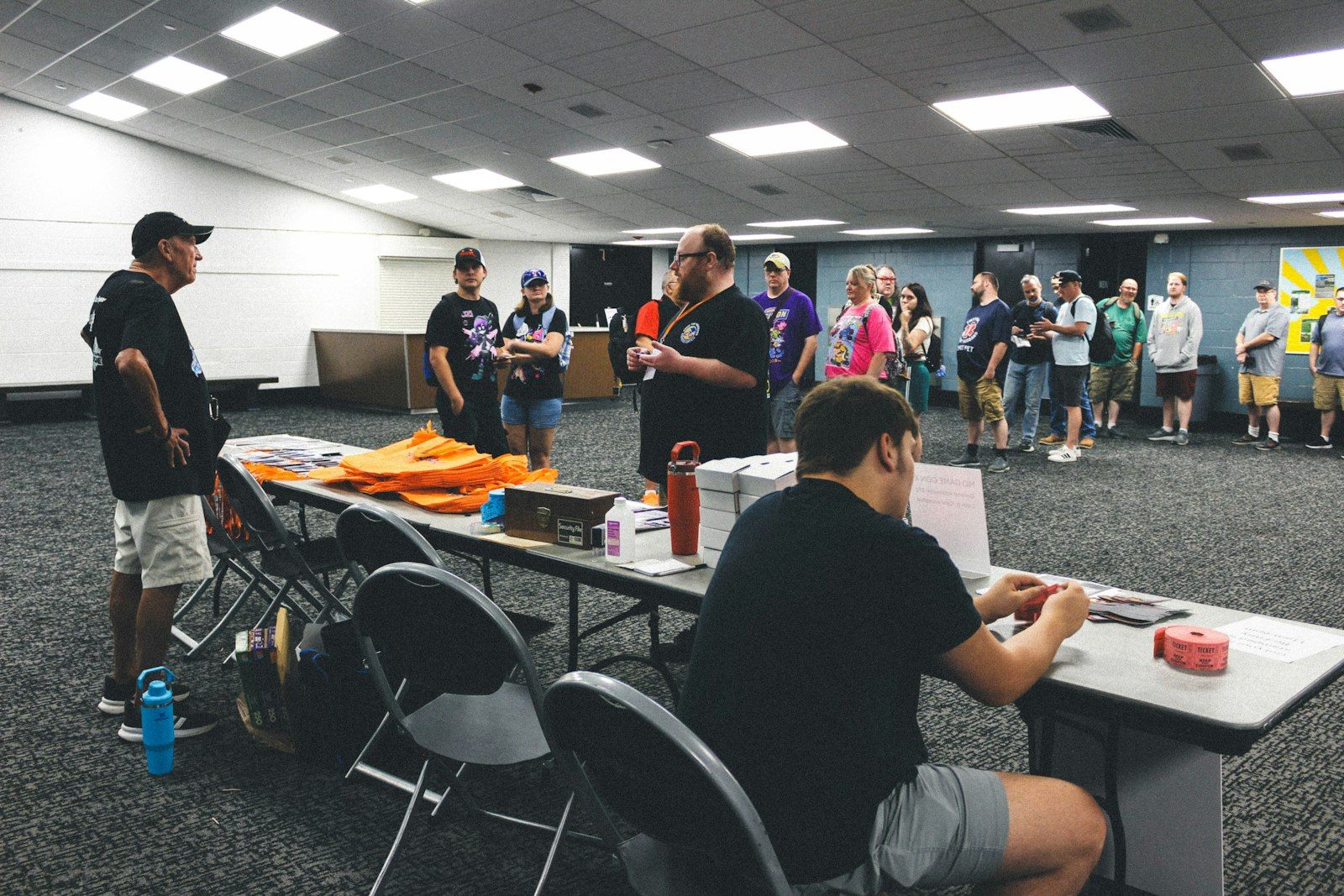
Registration is the first thing a guest sees. A good platform takes a name and an email without asking for an account, lets the organiser decide who gets in, and moves the next person up when a place opens.
This is a comparison of nine event registration platforms, including Fizvizz, on what each vendor's own website says about its free plan and its registration features. Fizvizz is our app, so it comes first.
How we chose these platforms
We looked at the platforms that organisers meet when they search for free event registration, and kept the ones that take sign-ups for an in-person or hybrid event. For each one we read its own website in November 2026 and quote it directly. We left out review-site ratings and the figures vendors publish about themselves.
"Not stated" in the table means the page we read did not say so. It does not mean the feature is missing.
The quick comparison
| Platform | Free plan | Custom sign-up questions | Approval | Waitlist | QR check-in | Badge printing | Capacity | Price on the vendor's page |
|---|---|---|---|---|---|---|---|---|
| Fizvizz | Free up to 200 people | Yes, up to 10 (a paid plan or event upgrade) | Yes | Yes | Yes, with an event upgrade | Yes, with an event upgrade | Yes, up to 200 free | Event upgrade from $49; group plans from $14 a month (up to 250 members) |
| Luma | Free forever, unlimited events and guests | Yes | Yes | Yes | Check-in in Luma; QR codes for third-party apps | Yes | Waitlist when full | Luma Plus $59 a month, billed annually |
| Eventbrite | Free to create events with free tickets | Yes | Not stated | Yes | Yes | Not stated | Not stated | Fees on paid tickets only: 3.7% + $1.79 per ticket |
| Whova | Not stated; pricing by demo | Yes | Not stated | Not stated | Yes | Yes | Not stated | Quote only |
| Eventcombo | Not stated | Yes | Yes | Yes | Yes | Yes | Yes, per tier | Custom enterprise pricing |
| Cvent | Trial only | Not stated | Not stated | Not stated | Yes | Yes | Sessions only | Quote only |
| GoCadmium | Not stated | Not stated | Not stated | Not stated | Not stated | Not stated | Not stated | Demo only |
| Dreamcast | No free plan stated; entry plan starts at 1,000 attendees a year | Yes | Yes | Not stated | Yes | Yes | Yes | ₹15,000/year at the 1,000-attendee minimum; Enterprise custom |
| Eventdex | No free plan stated; plans quoted per program | Yes | Not stated | Not stated | Yes | Yes | Not stated | No price in text; a one-time package for one event, or a monthly plan |
Each entry is taken from the vendor's own website, read in November 2026. "Not stated" means the page we read did not say so.
1. Fizvizz
Fizvizz is an event and community networking app for iPhone and Android. Its sign-up page is free for events up to 200 people, and the door tools come with an event upgrade.
- One link for each event: every event has its own page, so you share one address, or invite people by email, QR code or spreadsheet.
- No account to register: guests enter a first name, an email and an industry. If the email already has a Fizvizz account, we send a link to confirm it first.
- Approve or open: a new event starts on approval, so each request waits for an organiser. You can switch to open sign-up, or close registration.
- A waitlist that moves itself: set a capacity and turn the waitlist on. The next person is moved up in order when someone cancels, and they get an email that says so.
- Ask what brings people: a six-answer question, "What brings you?", with one optional line. Each answer shows in the event's list.
- Questions of your own: up to ten, as short or long answers, choices, or yes or no. Sign-up questions need a paid plan or an event upgrade.
- The door, with an event upgrade: the check-in code in the confirmation email, check-in at the desk or a kiosk, and badges printed as people arrive. An upgrade starts at $49 for an event of up to 100 people.
Free and paid, plainly: the sign-up page, approvals, the waitlist and invitations are free for events up to 200 people. Sign-up questions need a group plan or an event upgrade. Check-in, the kiosk and badges need an event upgrade. Group plans start at $14 a month for up to 250 members.
Best for: organisers who want sign-up, approvals and a waitlist before the event, and a door that uses the same guest list.
See the event registration app page for the full list of what is free.
2. Luma
Luma describes itself as "Luma makes every event feel effortless." Its pricing page lists a free plan, "Free, forever", with "Use Luma for free with unlimited events and guests."
- Approval: the pricing page says "Require approval or token gating for registration."
- Waitlist: its help pages describe a waitlist for when an event "reaches capacity".
- Questions: its help pages describe "Collect Registration Questions", beyond the name and email.
- Badges: its help pages describe how to "create and print badges for your event guests".
- Paid events: the free plan has a "5% platform fee for paid events". Luma Plus is listed at $59, "Per month, billed annually".
Best for: hosts who run many free events and want a polished invitation page.
3. Eventbrite
Eventbrite describes itself as "the all-in-one platform to create an event for free, sell tickets, and grow your audience." Its pricing page says: "Yes, you can create an event for free on Eventbrite. Our platform is always free for events with free tickets, with no ticketing platform fees."
- Questions: the registration page describes "Custom registration forms".
- Waitlists: the pricing page lists "Waitlists".
- Check-in: the check-in app page says it "lets you scan QR codes on tickets quickly and easily."
- Fees on paid tickets: "3.7% + $1.79 service fee per ticket", with "2.9% payment processing fee per order", both marked "Applies to paid tickets only."
Best for: free events, and events where the organiser also sells tickets.
4. Whova
Whova describes itself as an "All-in-one Event Management Platform" for in-person, hybrid and virtual events. Its pricing page offers "Book a 20 min 1:1 demo to get a trial", so no free plan is stated.
- Questions: its registration page describes "Customized registration forms".
- Check-in: "scan the QR codes to check in attendees".
- Badges: "check in attendees, and print badges in one platform."
- Free tickets: "Yes, Whova supports free tickets without charging any ticket fees."
Best for: larger in-person and hybrid events that want an app for attendees.
5. Eventcombo
Eventcombo describes itself as an enterprise event management platform. Its registration page says: "Eventcombo uses custom enterprise pricing based on your event volume and program size."
- Approval: "Restrict types to an approval workflow or invite-only access."
- Waitlist: "Waitlist Management Software That Fills Empty Seats."
- Capacity: "Establish capacity limits, pricing windows, and expiry dates per tier."
- Check-in and badges: "Verify event entry from the attendee badge QR code", and "Print from the kiosk or the staffed desk to your badge printers."
Best for: organisations with a full enterprise event programme, priced on volume.
6. Cvent
Cvent's registration page says "Try Registration for free", which is a trial, and its pricing page offers "Get a free quote". No free plan is stated.
- Check-in: "attendees can be checked in instantly using QR codes, names, or barcodes."
- Badges: "Print badges wirelessly and in real-time."
- Capacity: "Session check-in and capacity control", for sessions.
Best for: large organisations with a full event programme.
7. GoCadmium
GoCadmium describes Eventscribe as "event management software for associations, nonprofits, and continuing education organizations." Its pages offer a demo, and we found no free plan or price on the page we read.
Best for: associations, nonprofits and continuing education.
8. Dreamcast
Dreamcast describes itself as "Enterprise Event Registration Software India", and says it helps you manage "event registration, ticketing, attendee management". Its pricing page shows no free plan. The entry plan, Flex, "starts at 1,000 attendees a year", and the price shown there is "₹15,000/year" at that minimum. Enterprise is "Custom".
- Questions: "Custom Questions", on its registration features page.
- Approval: "Review and approve registrations before confirming access to exclusive or VIP sessions."
- Check-in and badges: "QR Check-in", and "printing high-resolution and durable badges in under 10 seconds".
- Capacity: "Real-time capacity control with automatic 'sold-out' triggers and per-booking limits."
- Waitlist: not stated on the pages we read.
Best for: organisers who want registration, ticketing and check-in on one platform, priced in rupees, dirhams or dollars.
9. Eventdex
Eventdex describes itself as "AI-powered event management software for in-person, hybrid and virtual events". Its pricing page says "Every Eventdex plan is quoted to fit your program". No free plan is named, and no price is shown in text. The pricing page describes "a one-time package for a single event, or a monthly plan across many."
- Questions: "With Eventdex you can build custom registration pages, collect registrant data and export it."
- Check-in and badges: "Fast QR code check-in" and "On-demand badge printing", on its pricing page.
- Approval and waitlist: not stated on the pages we read.
- Capacity: not stated. Attendee volume appears only as a pricing factor.
Best for: organisers of in-person, hybrid and virtual events who want check-in and badges in one event management package.
How to choose an event registration platform
Does a guest need an account? If every guest must create one before they can register, many will stop. Look for a form that takes a name and an email.
Who decides who gets in? Ask whether you can approve each request, let people in at once, and close the list when you choose.
What happens when the event is full? Ask whether the waitlist moves the next person up on its own, and whether that person is told.
Does the same tool check people in? A sign-up list in one tool and a door in another means two lists to keep in step. Ask whether registered people arrive at check-in as the same record.
What is free at your size? Ask for the price at your number of guests, and read what is free on the vendor's own pricing page.
Fizvizz's sign-up list is free for events up to 200 people. See the event registration app, or read the event check-in app page for the door.
Frequently asked questions
Is there a free event registration platform?
Yes. Fizvizz is free for the sign-up page, approvals, the waitlist and invitations for events up to 200 people. Luma has a free plan, 'Free, forever', with unlimited events and guests. Eventbrite lets you create an event for free when its tickets are free.
Do guests need an account to register?
Not on Fizvizz. People enter a first name, an email and an industry. If the email already belongs to a Fizvizz account, we send a link to that address to confirm it first.
Which free plans can ask custom questions?
On Fizvizz, sign-up questions (up to ten) need a paid plan or an event upgrade. Eventbrite's registration page describes "Custom registration forms", and we did not read its plan terms for questions.
What should I check before I choose?
Whether people need an account, whether you can approve each request, what happens when the event is full, and what the check-in costs at your size. Ask each vendor for its price at your number of guests.
Can a free platform check guests in and print badges?
Fizvizz's check-in, kiosk and badge printing need an event upgrade, from $49 for an event of up to 100 people. Other vendors on this list state check-in and badges on their own pages, with the terms shown there.